Login
The solution uses two different authentication methods.
For the administrative functions accessible through the portal, a personal user account is required,
secured with your personal password.
The THG verification, which you access via a REST API, uses OAuth2, an industry standard
for securing machine-to-machine communication. For more details, please refer to API Usage.
Portal Login
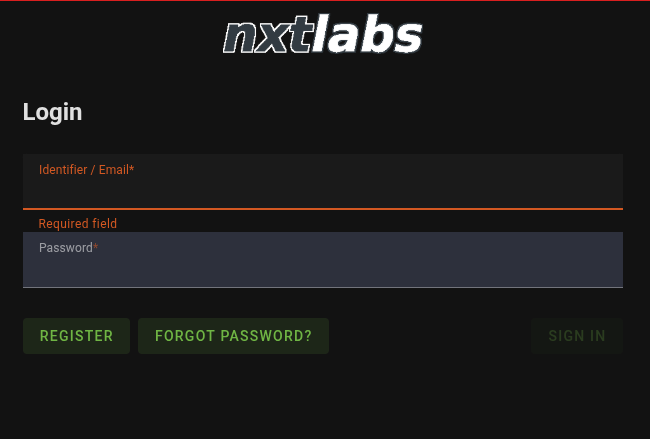
Enter your email address and personal password, then click “Login.”
If you are not yet registered, you can do so via “Register New.”
If you are already registered but have forgotten your password, click on “Forgot Password?”.
User Registration
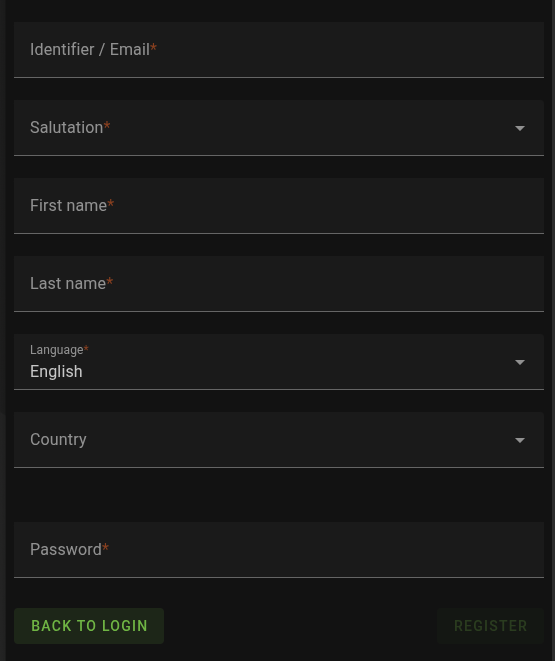
To register a new user in our system, we need some information from you.
The most important information is the email address you want to use to communicate with us.
The “Language” field allows you to set your preferred language for communication.
All of this information can later be changed in the Settings.